Build a public presence
- Public tutor profile
- Subjects, learner levels, rates, and availability
- Guest and invited-household enquiries
- Ordinary tutor replies and saved clients

Professional platform for independent tutors
Build a public tutor presence, receive private enquiries, and add connected teaching and business tools when they support the way you work.
For independent tutors
Being listed and replying to ordinary learner enquiries stays free. Membership is for the additional teaching and business workspace.
For guests looking for a tutor
You do not need an account to search the directory or send your first enquiry. If the relationship continues, the tutor can invite your household to a free account for connected records.
Filter by subject, learner level, location, online or in-person teaching, availability, and rate.
Review experience, teaching areas, lesson options, and identity-review badges when present.
Discuss the learner's needs, preferred times, teaching format, and the tutor's rate before deciding.
Invited learner household portal
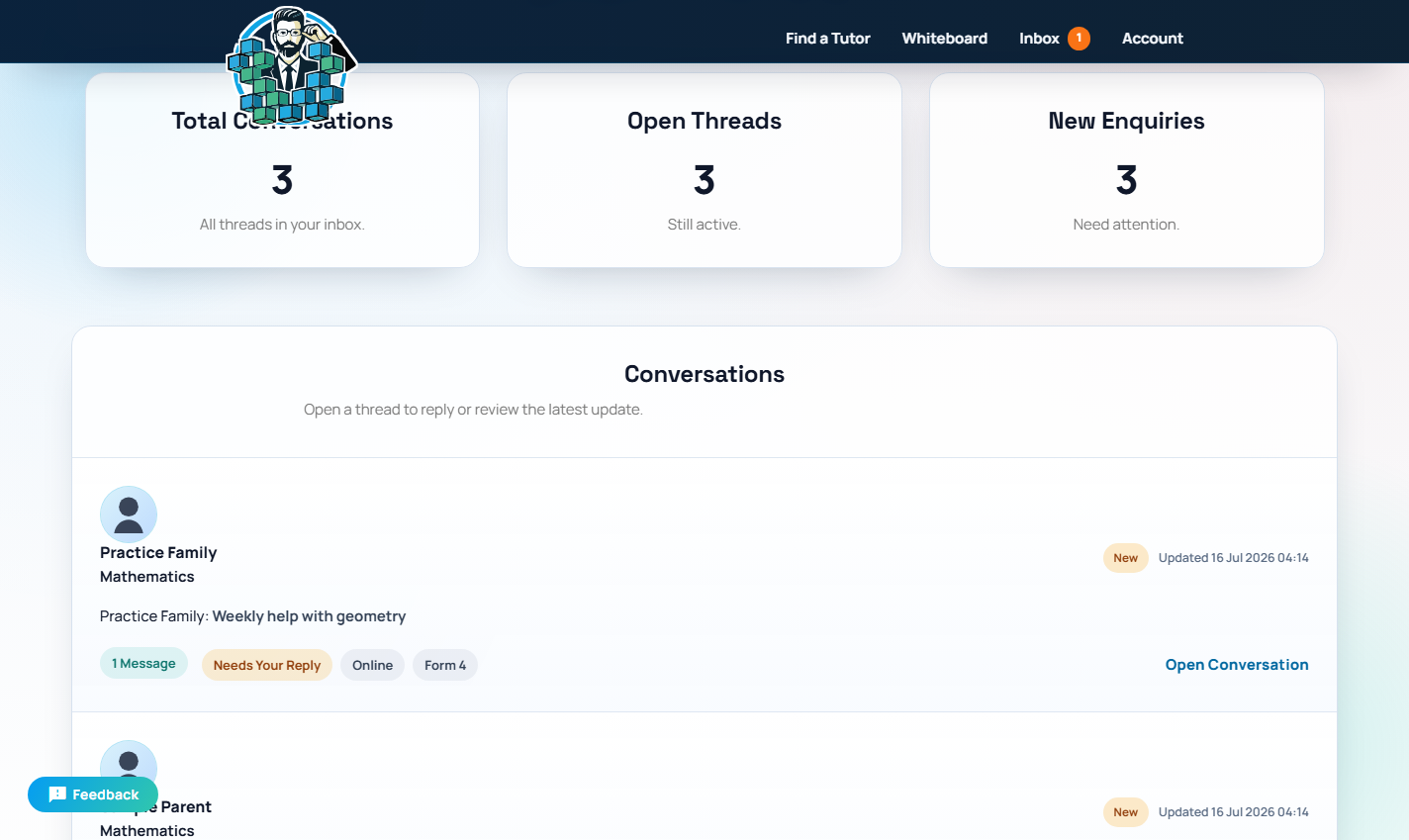
Learner accounts are free and invitation-only. After a tutor saves you as a client, they can invite your household to access eligible conversations and records connected to that tutoring relationship.
A platform for tutor work
The directory and ordinary enquiries form the free tutor core. Additional lesson and business features depend on the tutor's chosen access.
Public tutor discovery and private message boards help guests and tutors decide whether to work together.
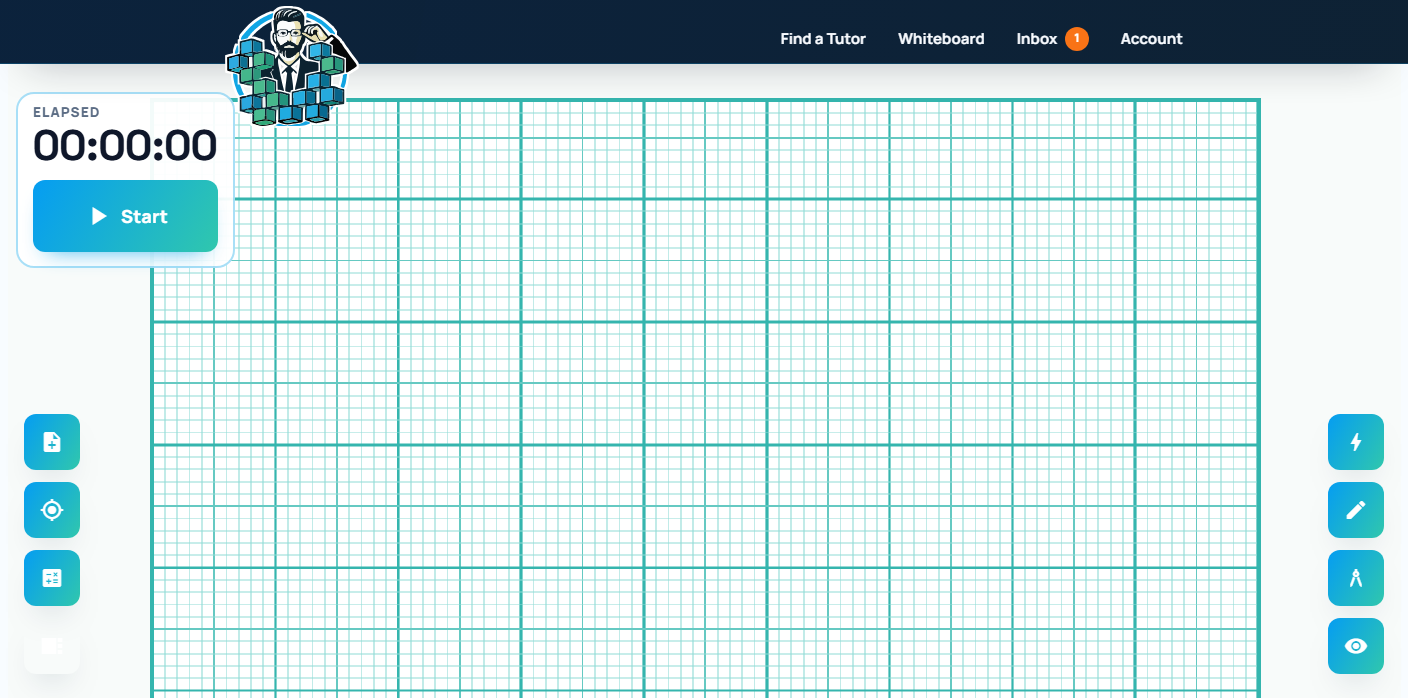
Free tutor coreEligible tutors can use live whiteboards, streaming, browser recording, and shared lesson PDFs.
Tutor membershipEligible tutors can issue invoice and receipt links that guests and learners can open, download, and verify without creating an account.
Tutor-created · Public recipient accessTutor dashboards bring availability, activity, records, and business insights into one working area.
Tutor membershipTrust for both sides
When a tutor explicitly issues an invoice, its billing terms and saved sender and client details are permanently locked. Issued invoices and receipts keep canonical snapshots and integrity fingerprints, while the public verification tool lets any recipient check the platform record without signing in. Recorded payments remain auditable and mistakes are corrected by reversal rather than rewriting history.
Verification confirms the document matches the platform record; it does not guarantee lesson outcomes or independently confirm an external bank transaction.
Live streaming and browser recording are early-access, browser- and network-dependent tools. Tutors and learners should keep practical fallbacks for important lessons.
Site documentation
Review the service journey, costs, privacy practices, responsibilities, and limitations relevant to your use of Private Tutoring by Mr. Oudai.
Built for independent tutors
Create a free tutor profile, stay discoverable, and add teaching and business tools when they earn their place in your work.